
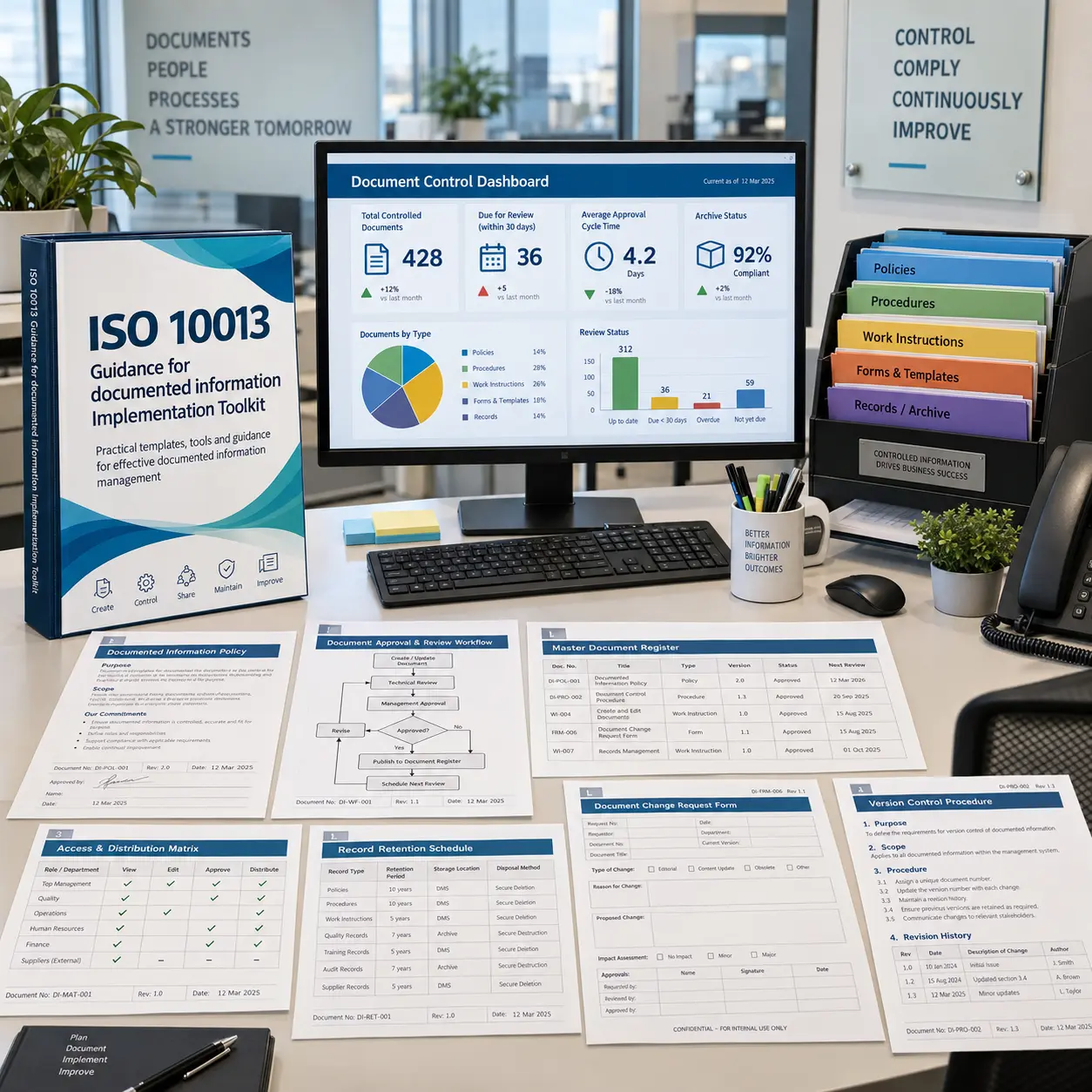
The ISO 10013:2021 Documented Information Implementation Toolkit provides a comprehensive, easy to use collection of structured templates and working tools to help organizations design, create, review, approve, control, distribute, retain, protect, and continually improve documented information within a quality management system.
Aligned with the documented information lifecycle reflected in ISO 10013:2021, the toolkit supports organizations in defining documentation strategy and architecture, standardizing document types and metadata, controlling versions and changes, managing access and point-of-use availability, handling external documents and records, protecting electronic information, and monitoring document control performance.
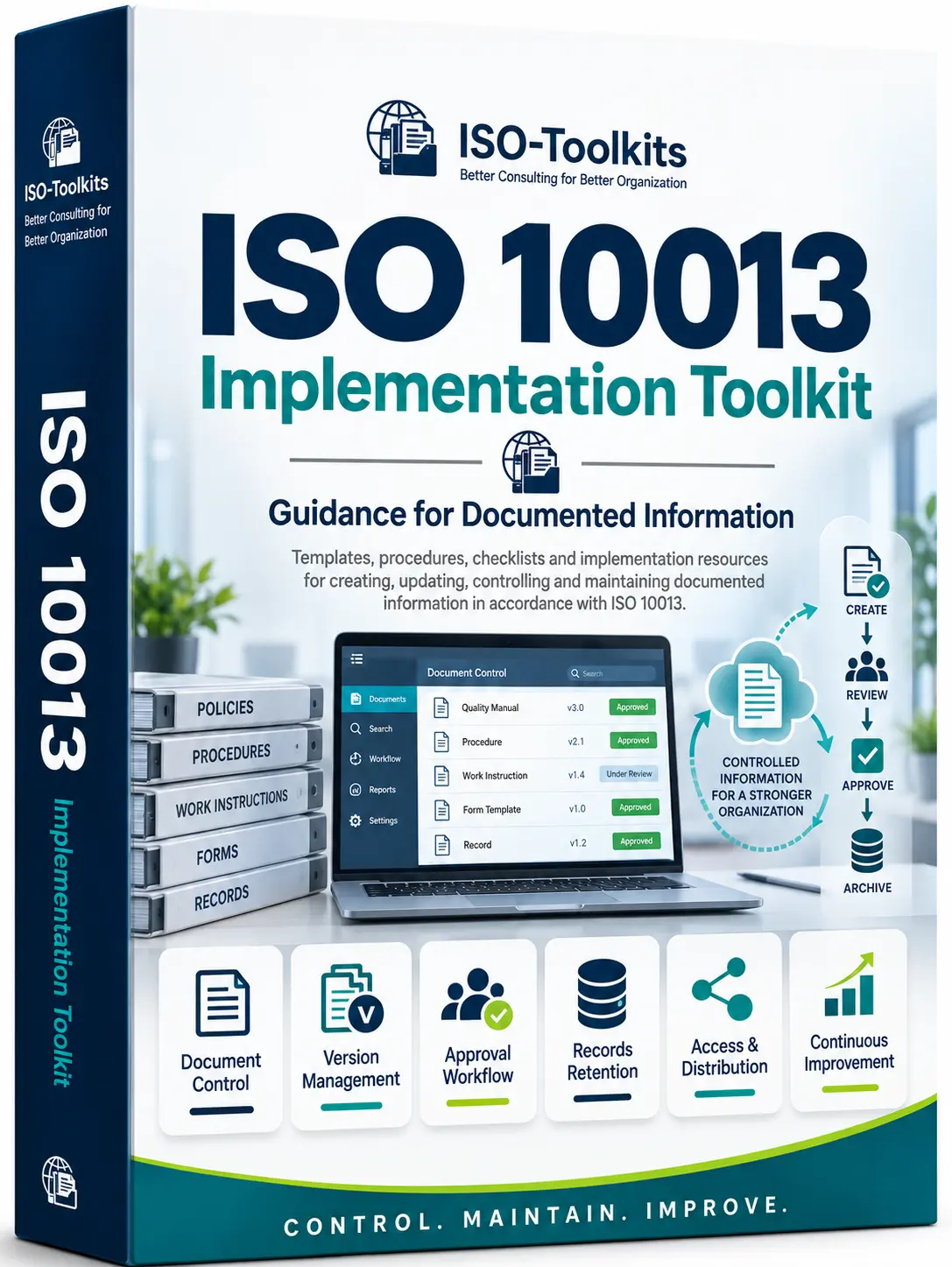
Establishing effective documented information controls can require significant coordination across quality, operations, compliance, records management, and information technology functions. Organizations need consistent methods for document creation, approval, identification, version control, access, distribution, retention, protection, retrieval, and periodic review.
The ISO 10013:2021 Documented Information Implementation Toolkit provides a comprehensive collection of easy to use templates and structured working documents in Word, Excel, and PowerPoint formats. It helps organizations build a consistent documented information framework, reduce time spent creating controls from scratch, improve document lifecycle governance, and support more reliable access to current and retained information.

Below is the structured list of documents included in the package. Use the quick navigation or expand each part to review the files before downloading the index file.
 Part 1. Program Initiation & Current-State Assessment
 ISO 10013 Implementation Charter.docx
 Documented Information Applicability Assessment.xlsx Current Documented Information Practice Assessment.xlsx Existing Documentation Inventory.xlsx Document Control Maturity Assessment.xlsx Documentation Gap & Improvement Action Plan.xlsx Implementation Roadmap.xlsx Documented Information Roles & RACI Matrix.xlsx
 Project Kick-off Slide.pptx
Part 2. Documented Information Strategy, Needs & Architecture
Documented Information Strategy.docx Documented Information Needs Assessment.xlsx Maintain vs Retain Information Requirements Matrix.xlsx Documented Information Architecture.xlsx Document Hierarchy & Relationship Map.xlsx Process-to-Document Requirements Matrix.xlsx Documented Information Risk & Criticality Assessment.xlsx Documented Information Ownership Matrix.xlsx Master Documented Information Index.xlsx Documentation Architecture Review Record.docx
Part 3. Document Types, Templates, Structure & Metadata
Documented Information Design Standard.docx Document Type & Purpose Catalogue.xlsx Policy Template.docx Procedure Template.docx Work Instruction Template.docx Form Template.docx Record Template.xlsx Process Map Template.xlsx Document Metadata Standard.docx Document Identification & Naming Convention.docx Document Coding Matrix.xlsx Template Master Register.xlsx
Part 4. Creation, Review, Approval & Release
Document Creation & Approval Procedure.docx Document Development Request Form.docx Document Authoring Checklist.xlsx Document Review Checklist.xlsx Technical Review Record.docx Cross-Functional Review Matrix.xlsx Document Approval & Authorization Form.docx Approval Authority Matrix.xlsx Document Release Checklist.xlsx Document Release Register.xlsx
Part 5. Identification, Version, Revision & Change Control
Document Identification & Version Control Procedure.docx Document Version & Revision Register.xlsx Document Change Request Form.docx Document Change Impact Assessment.xlsx Document Revision History Log.xlsx Document Change Approval Form.docx Controlled Document Status Register.xlsx Superseded & Obsolete Document Register.xlsx Obsolete Document Withdrawal Checklist.xlsx Emergency Document Change Form.docx
Part 6. Access, Distribution, Retrieval & Point-of-Use Control
Document Access & Distribution Procedure.docx Document Access Control Matrix.xlsx Controlled Distribution Register.xlsx Point-of-Use Document Control Checklist.xlsx Document Availability & Retrieval Checklist.xlsx Controlled Copy Register.xlsx Uncontrolled Copy Identification Standard.docx Document Access Request Form.docx Document Retrieval Test Log.xlsx Document Availability Issue Register.xlsx
Part 7. External Documented Information & Reference Control
External Document Control Procedure.docx External Document Register.xlsx Applicable Standards & Specifications Register.xlsx Legal Regulatory & Customer Document Register.xlsx Supplier Document Register.xlsx External Document Review & Approval Checklist.xlsx External Document Update Monitoring Register.xlsx External Document Distribution Matrix.xlsx External Document Change Impact Assessment.xlsx External Document Withdrawal Record.docx
Part 8. Retained Documented Information, Records & Retention
Records Management & Retention Procedure.docx Records Master Register.xlsx Record Retention Schedule.xlsx Record Ownership & Custodian Matrix.xlsx Record Storage & Protection Requirements.xlsx Record Identification & Indexing Standard.docx Record Retrieval Request Form.docx Record Transfer & Archive Register.xlsx Record Disposal Authorization Form.docx Record Disposal Register.xlsx Retention Exception / Legal Hold Form.docx
Part 9. Electronic Documented Information, Protection & Continuity
Electronic Documented Information Control Procedure.docx Electronic Repository & System Register.xlsx Document Access Permission Matrix.xlsx Electronic Document Backup Requirements.xlsx Documented Information Recovery Test Record.xlsx Electronic Document Migration Plan.docx Document Format & Compatibility Register.xlsx Document Integrity & Protection Checklist.xlsx Confidential Document Classification Matrix.xlsx Electronic Document Incident Register.xlsx
Part 10. Periodic Review, Performance & Continual Improvement
Documented Information Periodic Review Procedure.docx Document Review Schedule.xlsx Document Review Status Tracker.xlsx Document Currency & Accuracy Checklist.xlsx Documented Information KPI Register.xlsx Document Control Performance Dashboard.xlsx Documented Information Issue & Improvement Register.xlsx Document Simplification & Consolidation Assessment.xlsx Document User Feedback Form.docx Documented Information Effectiveness Review.xlsx Annual Documented Information Review Report.docx Documented Information Maturity Reassessment.xlsx Operational Handover Checklist.xlsx Final Implementation Report.docx Final Executive Handover Slide.pptxReview the complete file index, preview free sample templates, or check the purchase and payment guide.
| Date File Updated | 25/03/2025 |
| File Format | pdf, xls, doc, docx, xlsx, pptx |
| No. of files | 107 File; 10 Folders |
| File download size | 9.47 MB (rar). |
| Language |
 English
|
| Purchase code | ISO10013-Toolkits |
Demo content for internal layout review only. Replace these entries with genuine customer comments before publishing.
The document hierarchy and template controls make the package easy to understand. We could map our existing procedures and forms into a cleaner structure without rebuilding everything from the beginning.
The version and revision tools are practical for teams that have too many uncontrolled copies. The withdrawal checklist and obsolete document register were particularly useful during our clean-up.
I liked the separation between maintained documents and retained records. It helped our process owners understand why approval, access, retention, and disposal controls need to be handled differently.
The external document register and update monitoring tools were useful for managing standards, customer specifications, and supplier documents. It gave us a more disciplined review process.
The templates are straightforward to customize. We adapted the procedure, work instruction, form, and metadata templates to our own coding system without changing the overall structure.
The access control matrix and controlled distribution register helped us formalize who can edit, approve, view, and receive controlled information across departments.
The records retention section is comprehensive. Ownership, storage, protection, archiving, disposal, and legal hold are separated clearly enough for different teams to follow.
The electronic repository controls were useful during our document migration project. The backup, recovery testing, format compatibility, and confidentiality matrices gave us a practical review checklist.
The toolkit is useful for internal audit preparation because it makes document status, revision history, approvals, and review dates easier to demonstrate and trace.
The periodic review tracker and document control dashboard helped us move from reactive document updates to a planned review cycle with clearer accountability.
The package gives a good balance between governance and usability. It is detailed enough for document control specialists but still understandable for process owners.
A practical documented information toolkit. The implementation roadmap, RACI matrix, maturity assessment, and handover files help organize the work from initial review through ongoing control.